Action due date reminders set-up
You can set how many days before the due date you are reminded of your open actions.
-
Open your profile settings. Click your photo in the upper right corner to go to My Profile, then select Edit Profile.

-
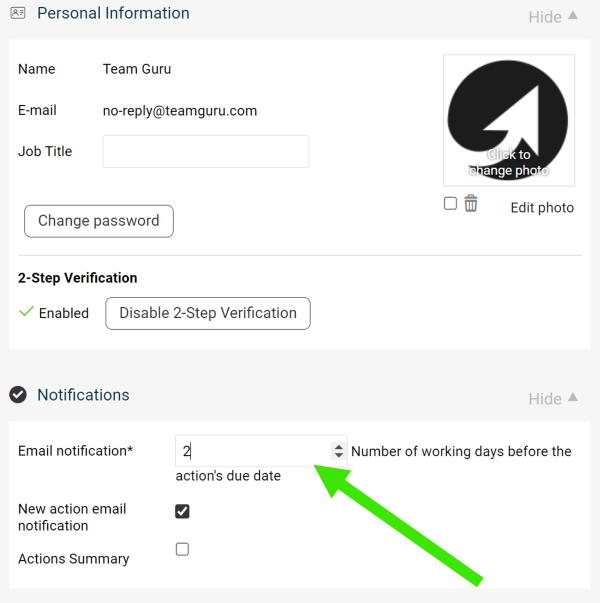
Set the number of days. Change the number of days in the Email notification field.
-
Save your profile. Click Save My Profile in the upper right corner.
Still need help?
Write to us. We usually reply within an hour on business days.