Where to set up a new user group?
User groups can be set up by TeamGuru administrators who have the right to edit users. Create a user group as follows:
-
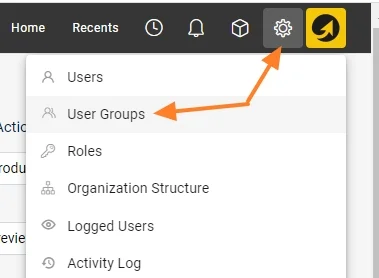
Open the Settings menu. Go to the Settings main menu.
-
Open the user groups. Click the User Groups submenu.
-
Create a new group. Click the green Create New button.

-
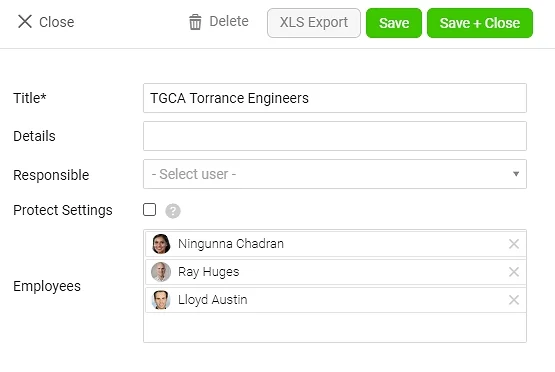
Define and save the group. Specify the new user group and save it.
Still need help?
Write to us. We usually reply within an hour on business days.