Who can approve the checklist items?
Only a predefined approver can approve the individual checklist items.
-
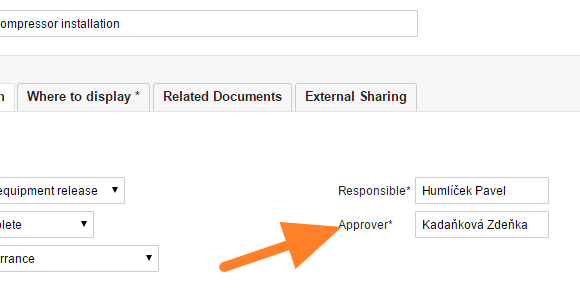
Set the approver of the checklist. To set up an approver for the whole checklist, open the checklist edit screen with the Edit icon

and select the required person.
-
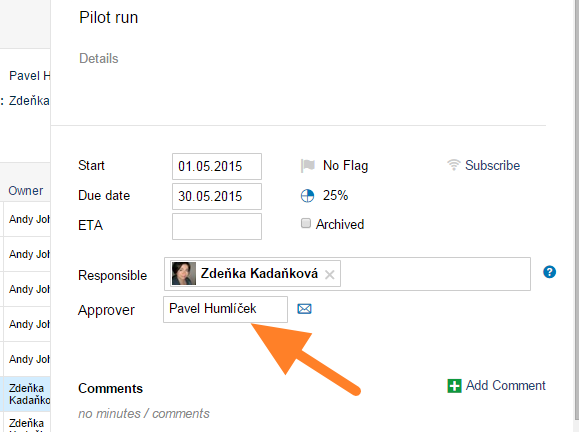
Change the approver of an item. To change the approver for some checklist items only, do it in the action detail screen: click the action and set up an approver.
-
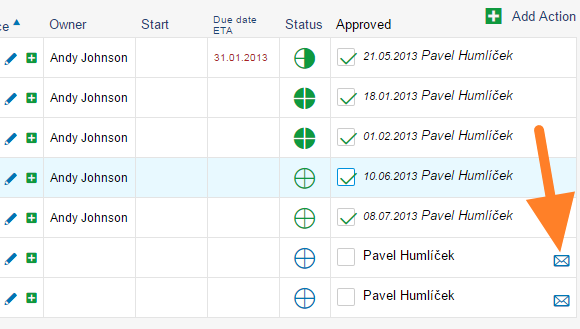
Ask for an approval. To ask for an approval, go to the checklist and click the envelope icon. An approval request is automatically sent to the particular person. Approved tasks are marked with a green tick.
Still need help?
Write to us. We usually reply within an hour on business days.