How to add your document to favorites
Mark your frequently used documents as Favorites and access them easily from the left navigation bar.
-
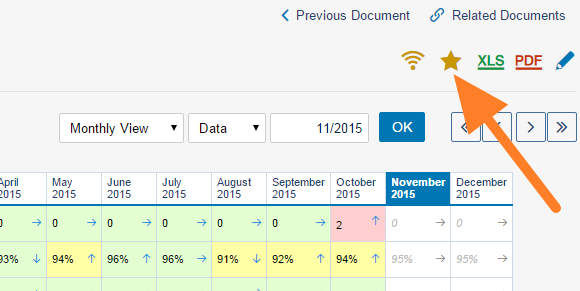
Add the document to Favorites. Find the document under the relevant module and organization unit, and click the yellow star.
-
Open it from Favorites. Your favorite document then appears in the Favorites section.
Edit your Favorites
Click the edit button right next to Favorites. You can then sort your favorites (drag and drop) or remove them as you like.


Still need help?
Write to us. We usually reply within an hour on business days.