How to change my password
-
Open your profile. Go to My Profile by clicking your photo in the upper right corner.

-
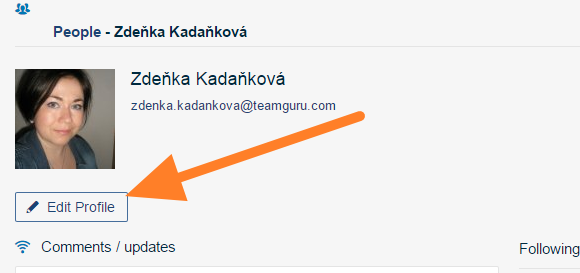
Edit your profile. Click the Edit Profile button.
-
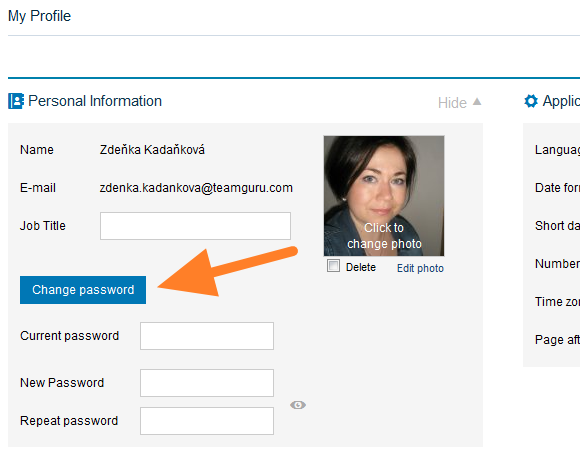
Enter the new password. Select Change password and fill in your current password and the new password in the fields provided.
-
Save the change. Save your profile.
Still need help?
Write to us. We usually reply within an hour on business days.