Left Panel - Modules Menu
The collapsible left menu lets you take advantage of extra space for displaying your TeamGuru reports.
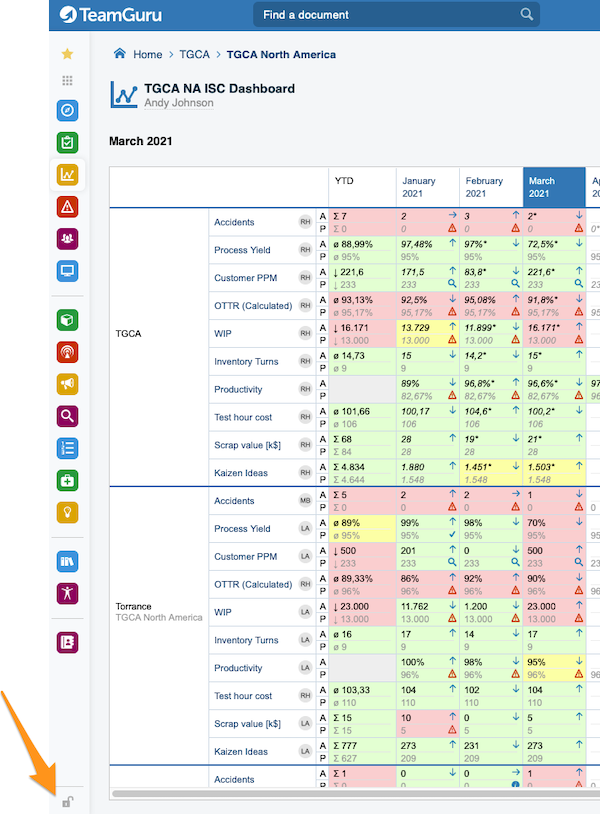
Lock or unlock the menu
To lock or unlock your modules menu, click the icon in the bottom left corner.
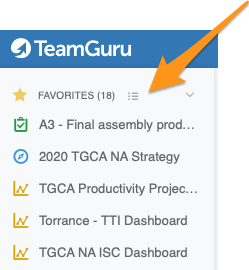
Edit your Favorites
Click the edit button right next to Favorites. You can then sort your favorites (drag and drop) or remove them as you like.
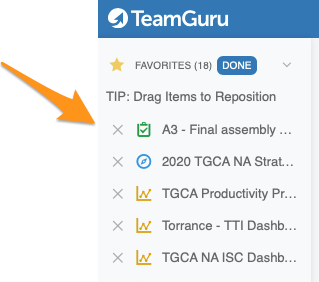
You don’t need to adjust your menu settings every time. When you lock or unlock your menu, or show more or fewer favorites, the system remembers your last settings until the next time you log in.
Still need help?
Write to us. We usually reply within an hour on business days.