How to change the font size
To change the size of the letters in a text, follow these steps:
-
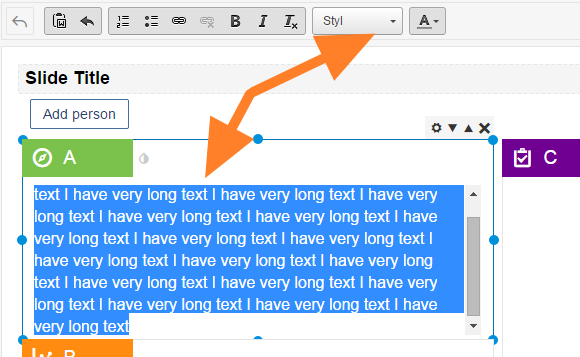
Open the Style box. Select the text you want to change and click the Style drop-down box.
-
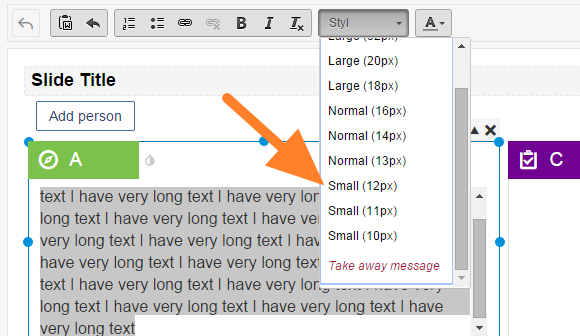
Select the font size. Select the required font size.
Still need help?
Write to us. We usually reply within an hour on business days.