How to show only weekday data in charts
If you collect data daily, you can display them in your charts for weekdays only, without weekends.
-
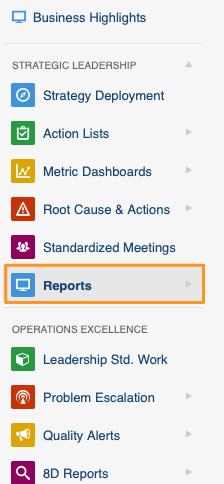
Open your report. Go to the Reports module and open your document.
-
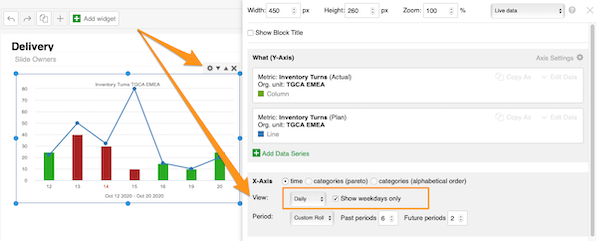
Turn on weekdays only. Click your Charts widget and the settings gear icon in its upper right corner. Select daily values for View and tick the Weekdays only box.
Check the chart
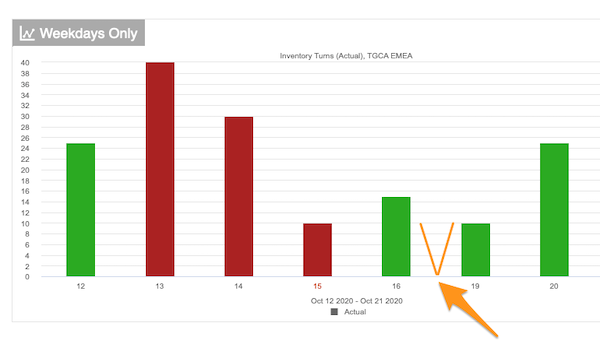
Your chart now shows weekday data only.
Still need help?
Write to us. We usually reply within an hour on business days.