I forgot my password. What do I do?
-
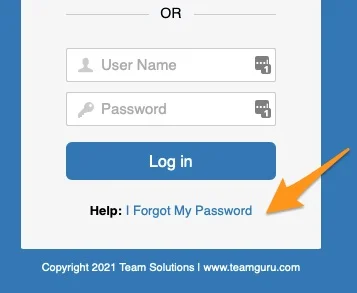
Open the password reset. Click the I forgot my password link on the login page.
-
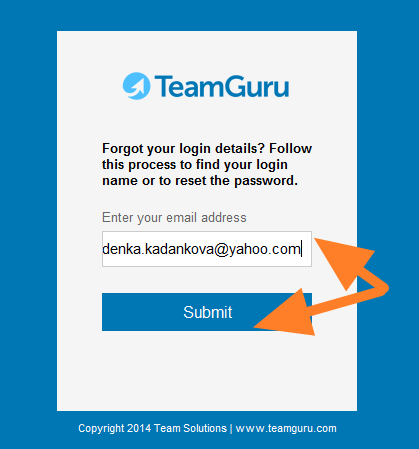
Enter your email address. Enter your email address and click Submit.
-
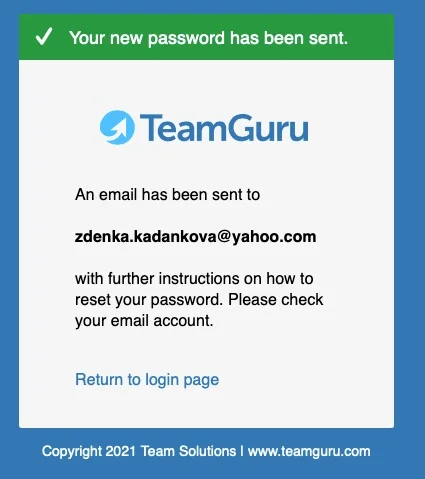
Check the confirmation. A confirmation message tells you that an email has been sent to you.
-
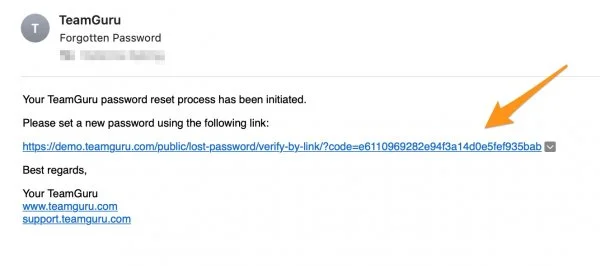
Open the reset link. You receive an email with a link to reset your password.
-
Set a new password. Set up your new password.
Still need help?
Write to us. We usually reply within an hour on business days.