Customize your Object in the Metric Dashboard
You can track and report data for your own, customized metric objects. Define them in the Custom Metric Objects submenu of the Metric Dashboards module.
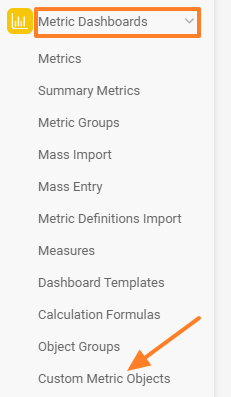
Open the custom metric objects
In the Metric Dashboards module, select Custom Metric Objects from the submenu.
Create an object group
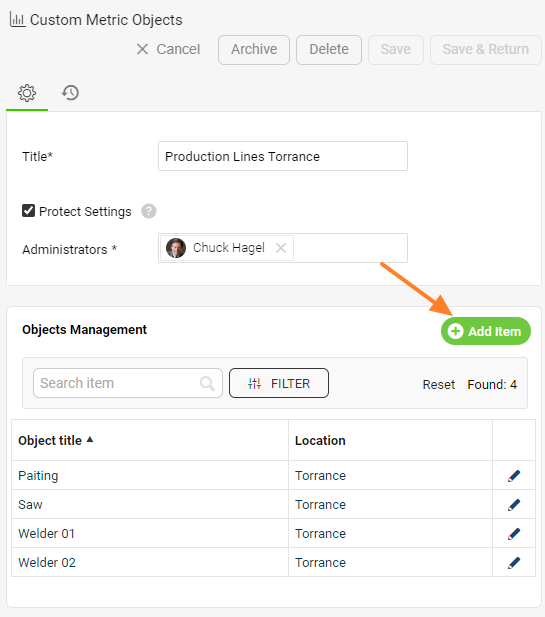
Create a new group of custom objects with the green Create New button.

Add objects to the group
Create the new objects under that group.
Select the objects in your dashboard
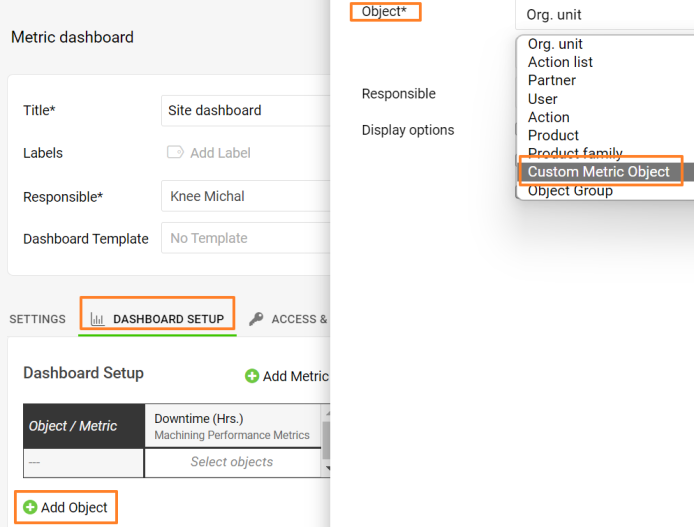
Then select your custom objects on the Dashboard Setup tab of your dashboard’s settings.
Related article: Dashboard settings
Still need help?
Write to us. We usually reply within an hour on business days.