How to create a text metric
You can create a metric whose values are text.
Set the data type to text
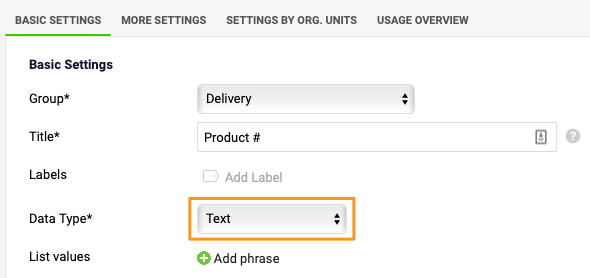
In the metric settings, select Text from the Data Type menu.
Predefine a list of text values
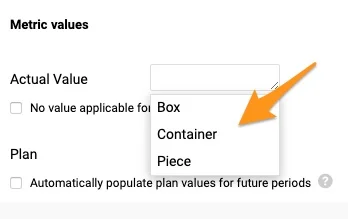
You can create a predefined list of text values that users can choose from when entering values. Click the Add phrase button and enter your text.

Enter your own text
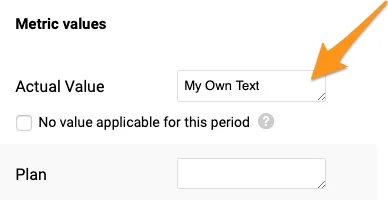
The predefined list of text values is not locked: users can still enter their own text.
Still need help?
Write to us. We usually reply within an hour on business days.