Trend chart and Metric dashboard charts view
Besides the metric dashboard statistics, you can also view a trend chart and display the metric dashboard in the charts view.
-
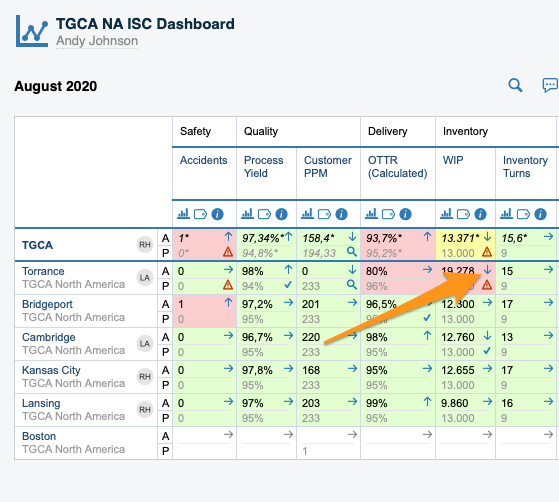
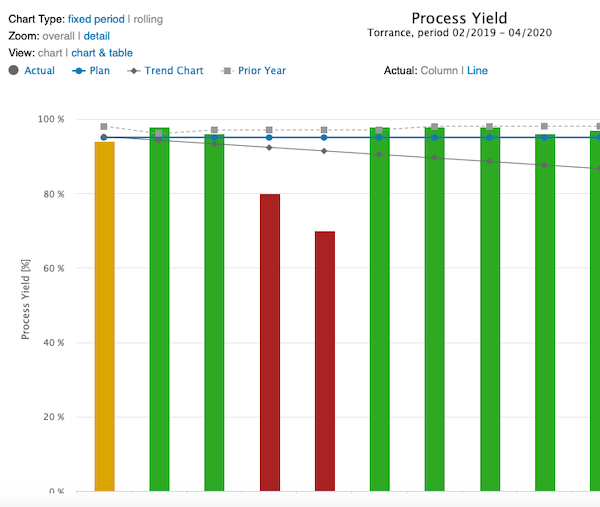
View a trend chart. To view a trend chart for your metric and org. unit, click the trend chart arrow.
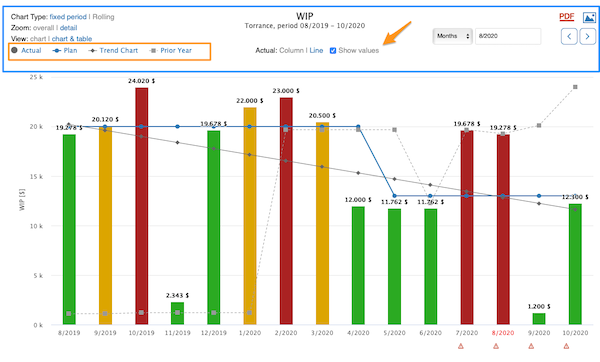
Customize your chart with the available options as you prefer. You can also choose to show values and which lines you want to see: Actual, Plan, Trend Chart and Prior Year. When you click a line’s option, that line is hidden from the chart.
-
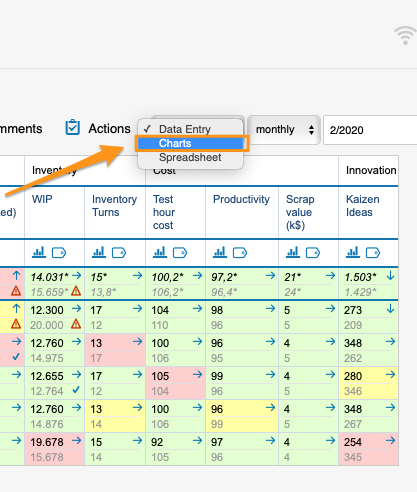
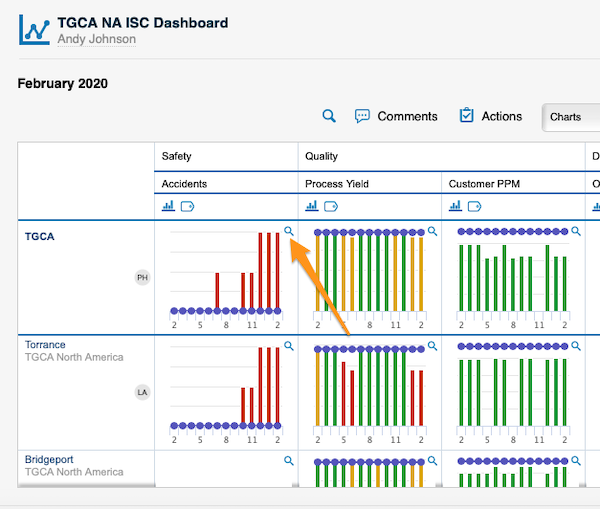
Display the charts view. Display the metric dashboard in the charts view and see more details by clicking the magnifying glass.
Still need help?
Write to us. We usually reply within an hour on business days.