¿Cómo agrego un punto de agenda o un asistente solo para una reunión?
Traducción automática del inglés. Se muestra el original en inglés.
You can add a one-off meeting topic or an irregular attendee directly on your main meeting screen.
Add an item or attendee
Click the Add Item or Add Attendee (This Meeting Only) button. These items appear in the currently open meeting only.
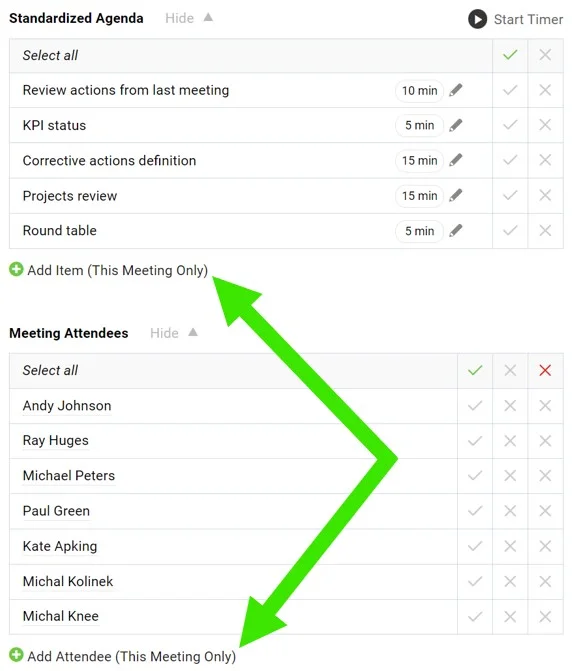
Puede agregar un tema puntual o un asistente ocasional directamente en la pantalla principal de la reunión.
Agregar un punto o un asistente
Haga clic en el botón Agregar punto o Agregar asistente (solo esta reunión). Estos elementos aparecen únicamente en la reunión que tiene abierta.
¿Necesita más ayuda?
Escríbanos. En días laborables solemos responder en menos de una hora.