How to save your filter in a document's list
You can predefine your personal filters in your documents list for easier and faster use.
Please note that other users do not see your filters; they see only their own.
-
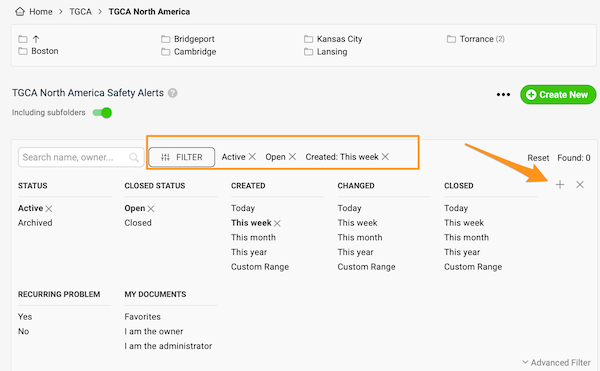
Set up the filter. Click the Filter button in your documents list and choose the options you need. More options are available under Advanced Filter.
-
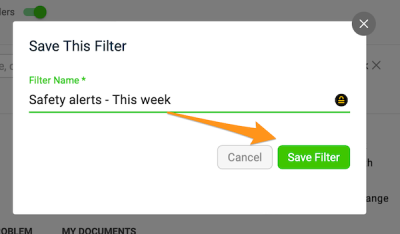
Save the filter. Click the plus button, enter the title of your filter and click Save.
-
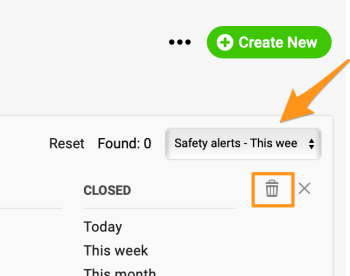
Use or delete a saved filter. Next time you want to use your filter, just select it from the preset filters in the submenu (you can create more than one). To delete a filter, select it from the submenu and click the trash icon.
Still need help?
Write to us. We usually reply within an hour on business days.