How to display forecast values in a dashboard
To display forecast values in your dashboard, follow these steps:
-
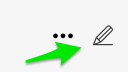
Open the dashboard settings. Click the dashboard Edit icon.
-
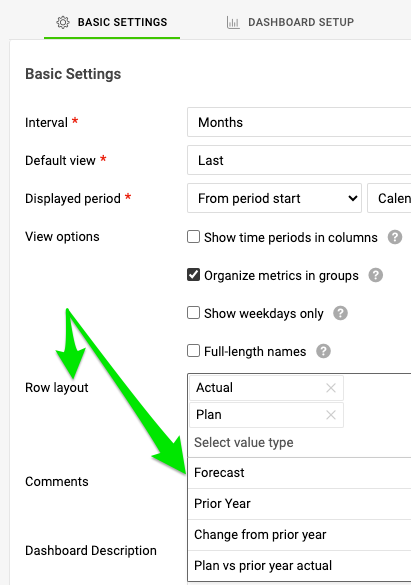
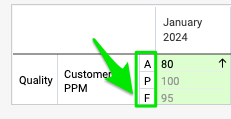
Select the rows to display. On the Basic Settings tab, in the Row layout section, select the rows you want to display on your dashboard.
-
Save the settings. Click the Save & Return button.

Still need help?
Write to us. We usually reply within an hour on business days.