Como exibir valores previstos em um dashboard
Tradução automática do inglês. Exibindo o original em inglês.
To display forecast values in your dashboard, follow these steps:
-
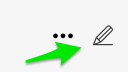
Open the dashboard settings. Click the dashboard Edit icon.
-
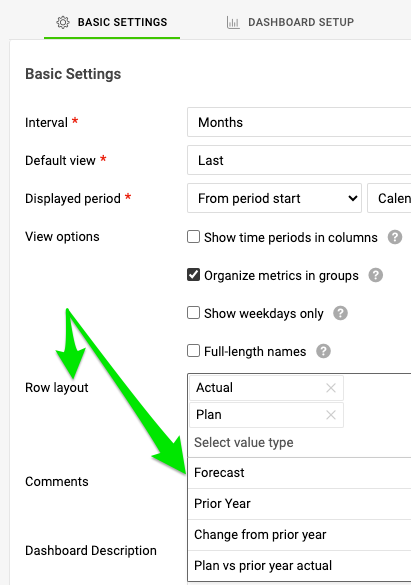
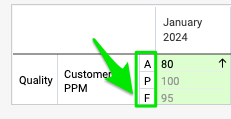
Select the rows to display. On the Basic Settings tab, in the Row layout section, select the rows you want to display on your dashboard.
-
Save the settings. Click the Save & Return button.

Para exibir valores previstos no dashboard, siga estes passos:
-
Abra as configurações do dashboard. Clique no ícone Editar do dashboard.
-
Selecione as linhas a exibir. Na aba Configurações básicas, na seção Layout das linhas, selecione as linhas que você quer exibir no dashboard.
-
Salve as configurações. Clique no botão Salvar e voltar.
Precisa de mais ajuda?
Escreva para nós. Em dias úteis, costumamos responder em até uma hora.