如何在仪表板中显示预测值
本文由英文机器翻译。 当前显示英文原文。
To display forecast values in your dashboard, follow these steps:
-
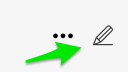
Open the dashboard settings. Click the dashboard Edit icon.
-
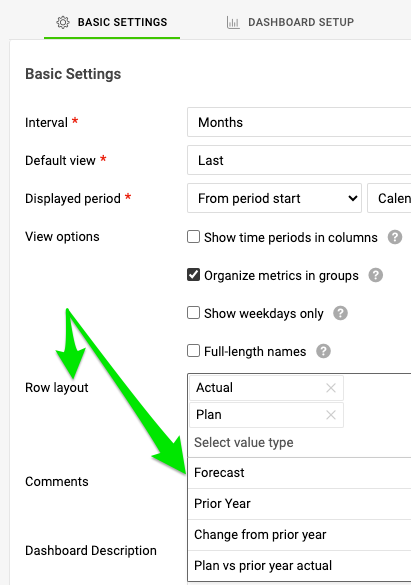
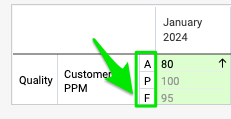
Select the rows to display. On the Basic Settings tab, in the Row layout section, select the rows you want to display on your dashboard.
-
Save the settings. Click the Save & Return button.

按以下步骤在仪表板中显示预测值:
-
打开仪表板设置。 点击仪表板的 编辑 图标。
-
选择要显示的行。 在 基本设置 选项卡的 行布局 部分,选择要在仪表板中显示的行。
-
保存设置。 点击 保存并返回 按钮。
还需要帮助吗?
请给我们留言。工作日我们通常会在一小时内回复。