How to display Totals in a dashboard
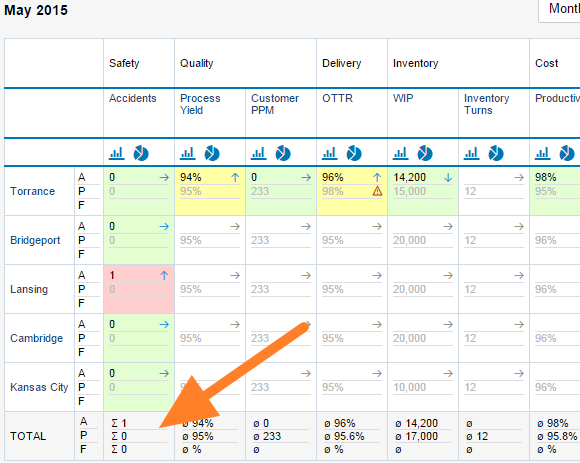
To display totals in your dashboard, follow these steps:
-
Open the dashboard settings. Click the dashboard Edit icon.

-
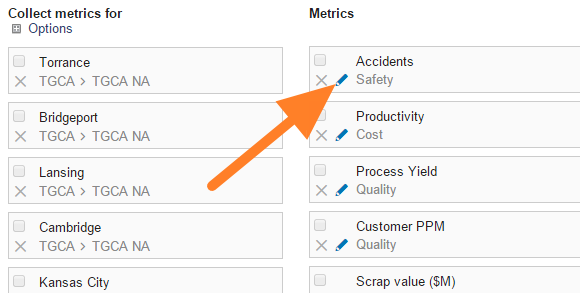
Edit the metric. Click the Edit icon of the particular metric.
-
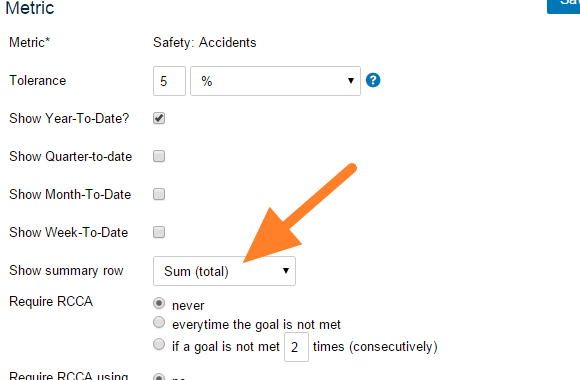
Turn on the summary row. Set Show summary row.
-
Save and view the dashboard. Click Save, then Save & View.
Still need help?
Write to us. We usually reply within an hour on business days.