How to freeze, refresh or use live data in your report
Most widgets use LIVE data from the system, and the data in your report are updated automatically.
Report automation
Refresh widget data for a new period
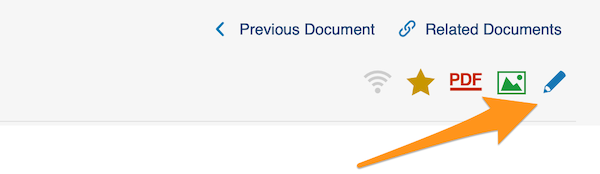
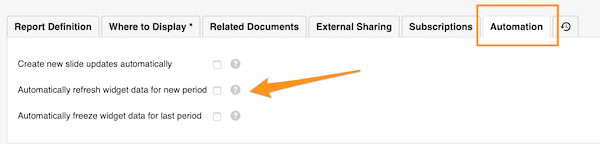
To REFRESH the widget data automatically for a new period, go to your report settings and click the Automation tab. Check the appropriate box.
Freeze widget data for the last period
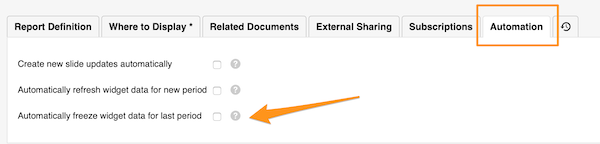
If you want to keep the data of the previous period unchanged over time, you can FREEZE them automatically at the end of the period.
Go to your report settings and click the Automation tab. Check the appropriate box.
Widget settings
Choose live or frozen data per widget
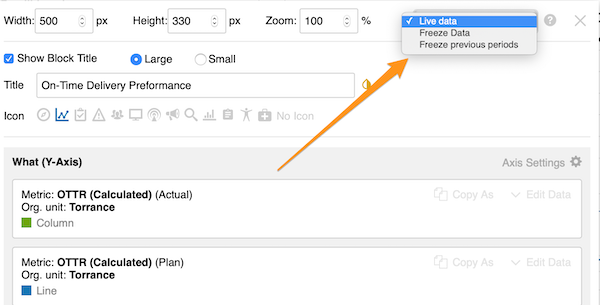
You can also choose whether to use live data, freeze data or freeze previous periods for a specific widget only (live data is the default setting).
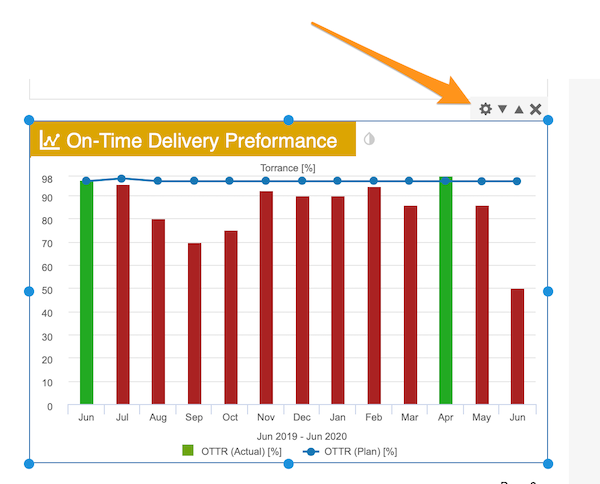
Click your widget and then its settings icon. In the upper right corner, select your preference.
Still need help?
Write to us. We usually reply within an hour on business days.