In what cases are emails about an 8D sent out?
The system sends email notifications about a new 8D report and about updates to its sections.
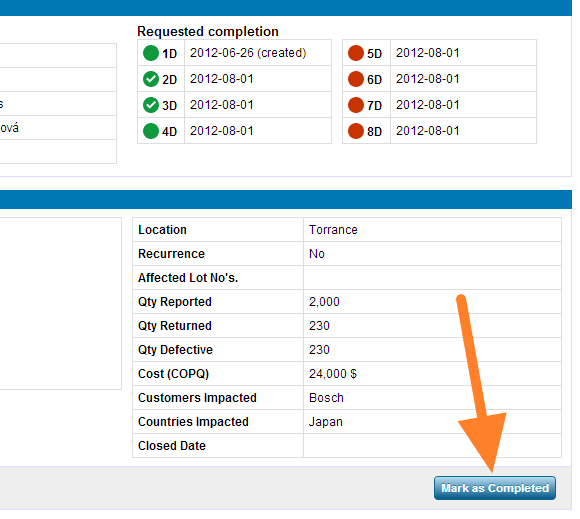
Mark the first section as completed
When you create a new 8D report, you have to click the Mark as Completed button in the first section so that your partner receives an email notification about the new 8D. If you do not click it, the partner does not receive an email.
Emails about 8D updates
-
Section marked as completed. When you update an 8D report, an email is sent when the 8D section is marked as completed.
-
Section approved. An email is sent when the section is approved.
-
Section rejected. An email is sent when the section is rejected.
-
Section closed. An email is sent when the section is closed.
-
Supplier’s section edited. When a section marked as completed by a supplier is then edited by the person who issued the 8D (e.g. a text or comment is added), an email is sent and the status changes to In progress. When you edit the section, the email is sent after you click Save.
Still need help?
Write to us. We usually reply within an hour on business days.