How to launch RCCA directly from a metric dashboard
You can monitor and solve performance (metric) related problems via an RCCA document. The RCCA document can be linked to a specific metric/org. unit combination: an RCCA icon is then shown directly in the metric dashboard at that combination, and the details of the RCCA document can be accessed and viewed from the dashboard.
-
Open the dashboard. Go to the dashboard overview.
-
Click the metric. Click the metric for which the RCCA should be created.
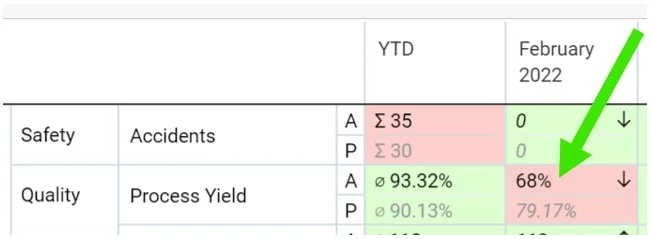
-
Initiate the RCCA. Scroll down and click Initiate RCCA.
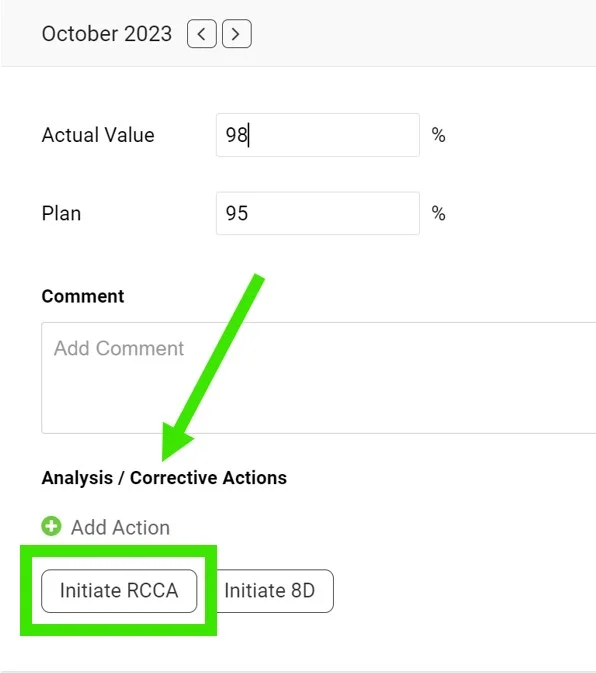
-
Access the RCCA from the dashboard. When you create a new RCCA, the RCCA icon is displayed in the original dashboard, and you can easily access the RCCA through it.
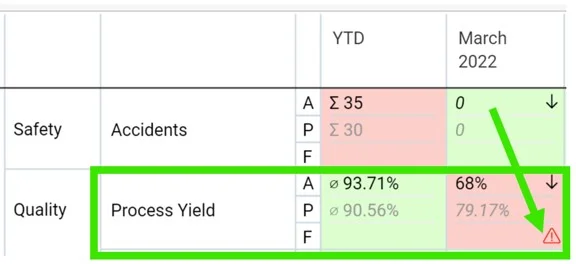
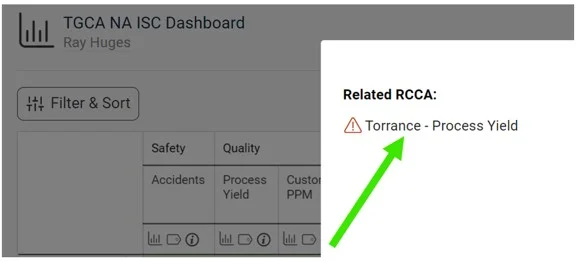
-
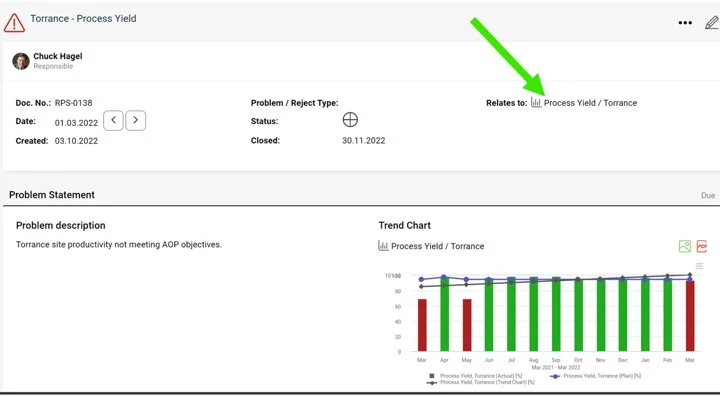
Check the RCCA graph. The metric values are automatically pulled into the RCCA graph.
Still need help?
Write to us. We usually reply within an hour on business days.