How to set up amber color for metrics in a dashboard
Color coding in your dashboard is displayed only if both plan (or forecast) and actual values are entered. The default colors are red and green. To get a wider color range by adding amber, follow these steps:
-
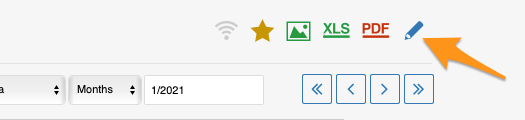
Open the dashboard settings. Click the dashboard Edit icon.
-
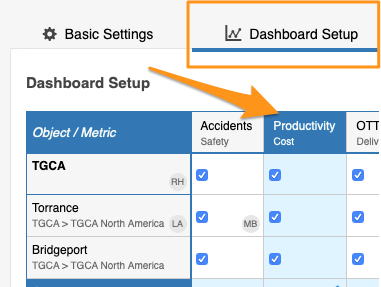
Select the metric. Go to the Dashboard Setup tab and click your particular metric.
-
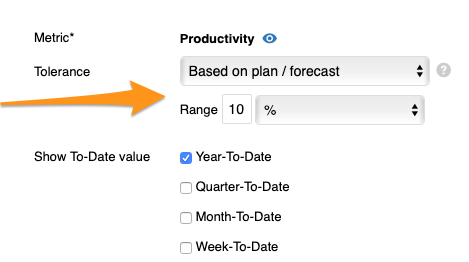
Set the tolerance. Enter the Tolerance value in the field provided.
-
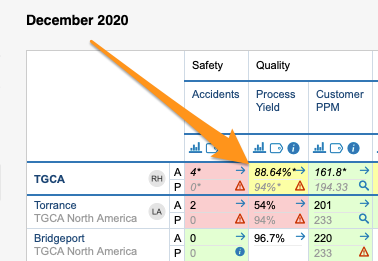
Save and view the dashboard. Click Save & View.
Still need help?
Write to us. We usually reply within an hour on business days.