How to update multiple Project Headers
You can update specific field information in multiple project headers at once.
Please note that this functionality lets you update information in your projects, but not remove it.
Prepare the mapping
Open the mass import
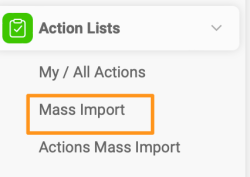
Go to the Action Lists module and select Mass Import from the submenu.
Create a mapping template
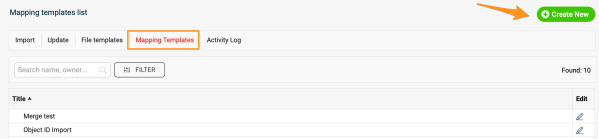
Before the upload, you need to map your project stages, project types and organizational units (to determine the Where to display locations), unless you already have a mapping template from previous mass imports. Go to Mapping Template, click Create New, define the title and click Save.
Map the values
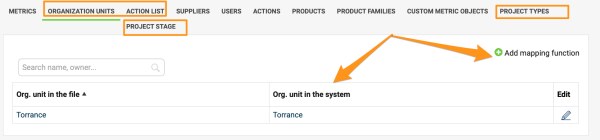
Map the organization units, project types and project stages: click the Add mapping function plus button and save the changes. Please note that if you upload by project title instead of project ID, you also need to map the action list titles.
Update the project headers
Select the mapping template
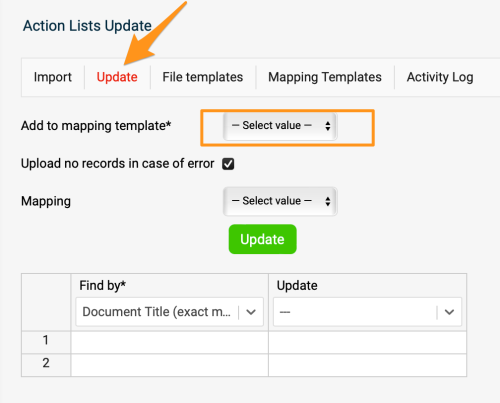
Once the mapping is done, go to the Update tab and select your mapping template from the submenu.
Choose how to find the projects
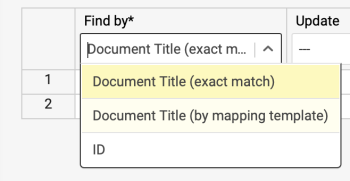
In the first column, select the Find by option: you can use either the document’s title or its ID. We highly recommend the ID option in case two projects in the system have the same name, or a project’s title changes before future updates.
Select the fields to update
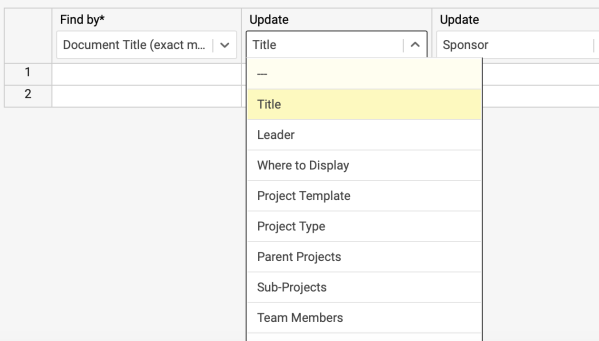
Select the information you want to update in the other columns.
Fill in the rows
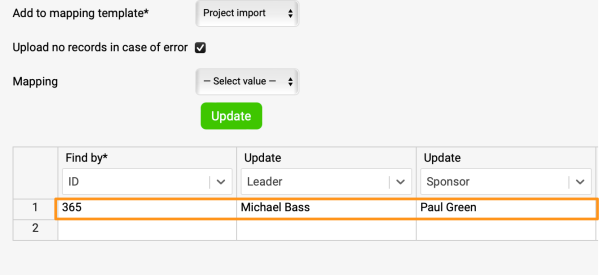
Complete the information in the rows.
Run the update
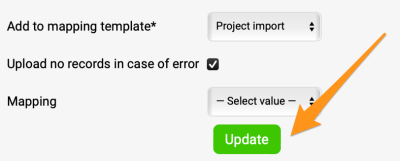
Click Update, and your project information is updated.
Still need help?
Write to us. We usually reply within an hour on business days.