How to copy a dashboard
You can easily copy an existing dashboard and reuse all its settings to define a new dashboard.
-
Open the dashboard settings. Click the dashboard Edit icon.

-
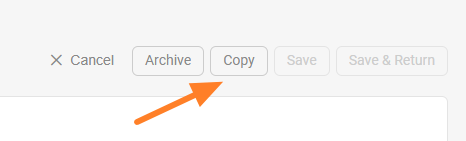
Copy the dashboard. Click the Copy button to create a copy of the dashboard.
-
Find the new dashboard. A new dashboard is created, named after the original one with “– new” appended.
-
Rename the dashboard. Change the title of the new dashboard as needed.
-
Set the org. unit and responsible people. Select the organization unit and the responsible people for the new dashboard.
-
Choose where to display it. Set Where to display (a location) and choose the folder of your org. structure where the new dashboard should be saved.
-
Save the dashboard. Click Save & Return.
Still need help?
Write to us. We usually reply within an hour on business days.