如何创建和浏览文档
本文由英文机器翻译。 当前显示英文原文。
-
Understand where documents are stored. Documents are stored in folders as defined in the organization structure of your system (see How do I manage the organization structure). How you browse through the individual folders depends on the module they belong to (e.g. Strategy Deployment, Action Lists, etc.). User access to the individual folders is driven by the user rights assigned to a user’s profile.
-
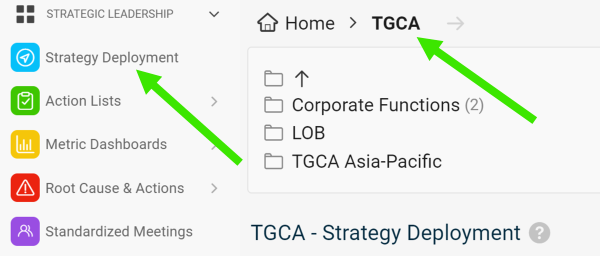
Select a module and a folder. To create a new document, select a module and an organization folder.
-
Create the document. Click the Add icon.

-
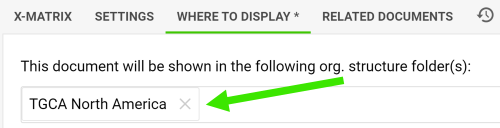
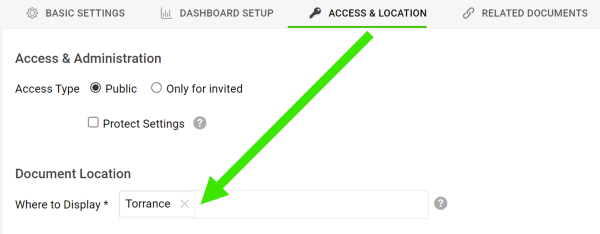
Change the location if needed. The new document is automatically located in the folder you created it in. You can change the location anytime on the Where to Display tab or the Access & Location tab.
还需要帮助吗?
请给我们留言。工作日我们通常会在一小时内回复。